Route planning and dispatch for 3 to 40 vans

Every van on the right route, every day.

Brevik plans the day's deliveries, sends each route to the driver's phone and tells customers when the van is close. When an order changes, the route changes with it.

30 days free. No card needed. Set up in an afternoon.

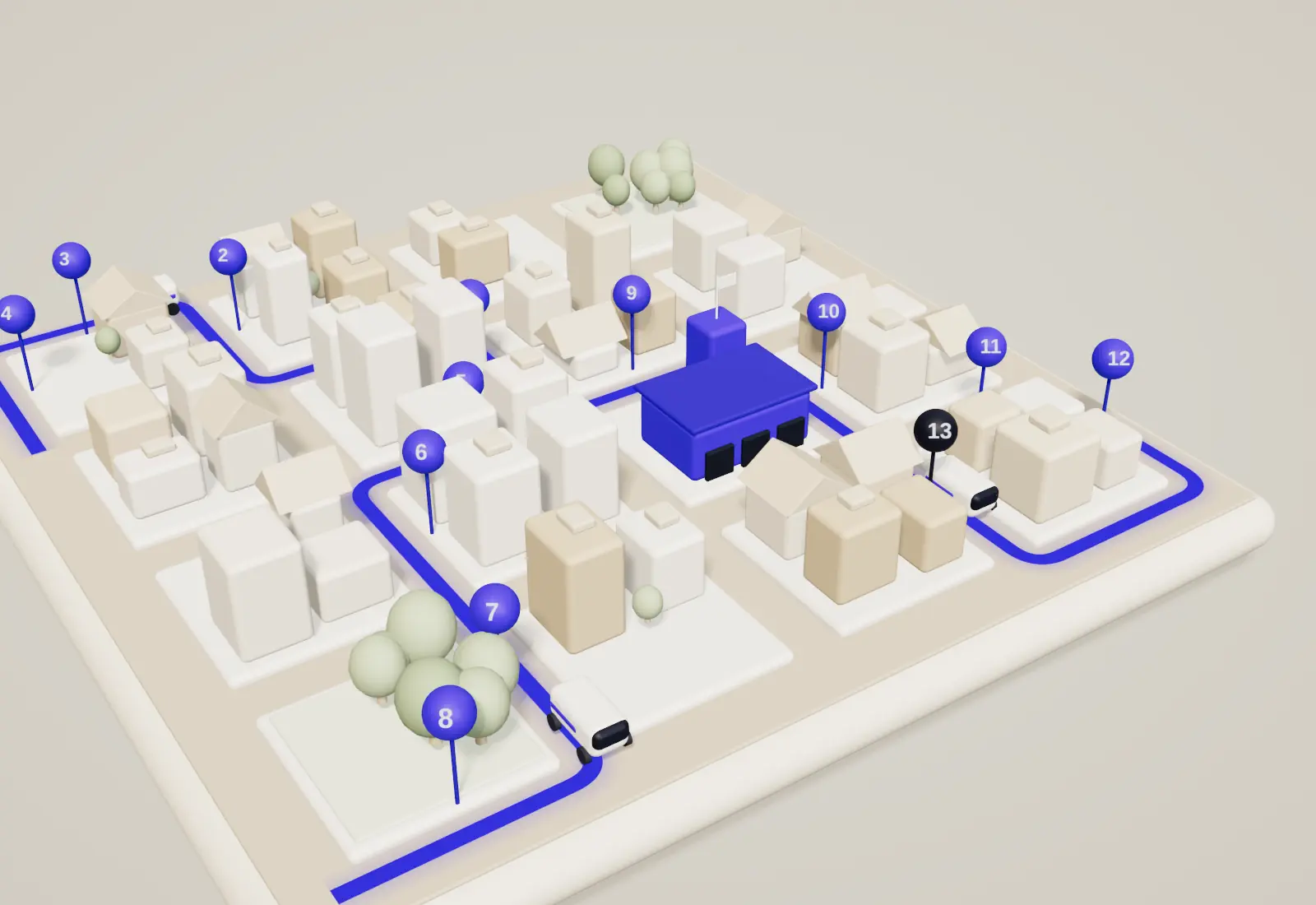
A clay model of a town on a square tile. Blue route lines run from a blue depot to numbered stops, with three white delivery vans on the streets.
Today09:41
  • Van 1 North2 of 4
  • Van 2 East1 of 5
  • Van 3 South3 of 4

Local fleets that run on Brevik

How Brevik works: plan, re-route, track

01 Plan

Plan every route in a minute

Drop in the day's orders, or let them arrive from your shop. Brevik sorts the stops into one route per van, by distance, delivery window and what each van can carry.

  • 60 stops into 3 routes in about 11 minutes by hand, 1 minute here
  • Time windows and van size are respected
Route lines drawn from the blue depot across the town, with numbered stops on three routes.

02 Re-route

Re-route when the day changes

A late order, a closed road, a van in the garage. Move the stop, or add it, and the affected route is re-drawn in seconds. The driver's phone shows the new order of stops straight away.

  • Only the vans that change are touched
  • Late orders land on the best van, not the nearest
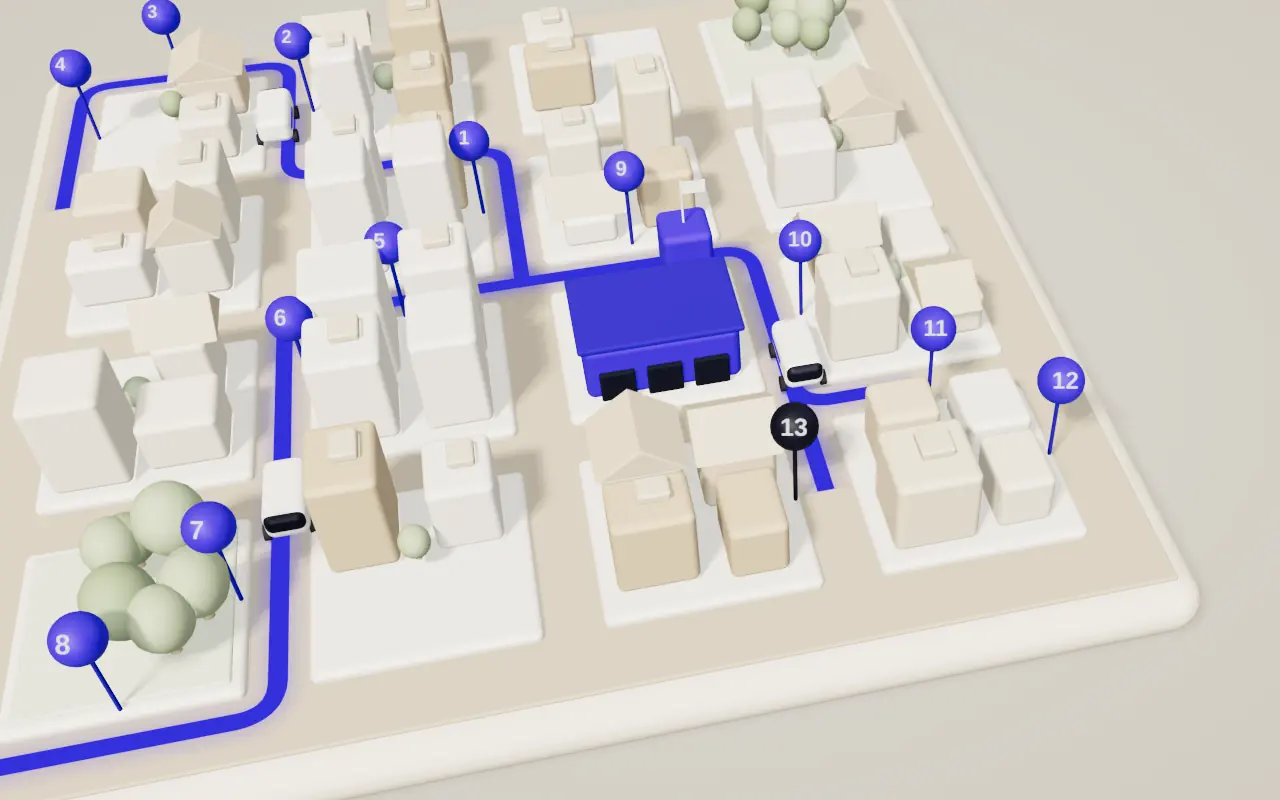
A late order, shown as a dark pin, has arrived beside the east route and a new line is being drawn through it.

03 Track

Customers see their delivery live

Each customer gets a text with a link and a 20-minute window, and sees the van come closer on a simple map. Fewer calls to the shop, fewer missed doors.

Order 7Van 3 is 2 stops away
Arriving between14:05 and 14:25
A top-down plan of the town with every route, stop and van, matching the dispatch board.

Everything else it does

The small things a delivery day depends on

  • Delivery windows

    Promise 9 to 11 or 2 to 4. Brevik fits each stop into its window and warns you before one is missed.

  • Van load and pick list

    Set what each van carries. The pick list is printed in reverse stop order, so the first drop is on top.

  • Driver app, no install

    Stops, notes and directions open in the phone's browser. It keeps working with a weak signal and syncs after.

  • Proof of delivery

    A photo, a signature or a PIN, filed against the order the moment it is done. Search it later by name or address.

  • Customer texts

    A text when the van leaves and another when it is close, in your shop's name and with your wording.

  • Weekly report

    Miles, hours and cost per drop for every van, in one sheet on Monday morning. Export it to your accounts.

Results from fleets using Brevik

  • 11 minto plan a day of 60 stops, down from an hour
  • −18%distance driven in the first month
  • 96%of deliveries inside the promised window
  • 3 to 40vans on one account, with one board for all
We used to plan the round on the kitchen table at six in the morning. Now it is done before the first bake comes out.
Dana Hartwell, owner, Hartwell Bakery (sample customer)

Pricing

One price per van. Nothing else to add up.

Every plan includes the driver app, customer texts and proof of delivery. Start with 30 days free.

Starter

For one to five vans.

22per van, per month

Billed monthly

  • Route planning and the dispatch board
  • Driver app and proof of delivery
  • Customer texts, 200 a month
  • Email support
Start free trial

Most chosen

Fleet

For six to twenty vans.

34per van, per month

Billed monthly

  • Everything in Starter
  • Live re-routing and late orders
  • Delivery windows and van load
  • Unlimited customer texts
  • Phone and chat support
Start free trial

Depot

For twenty-one to forty vans.

48per van, per month

Billed monthly

  • Everything in Fleet
  • Several depots on one board
  • Weekly reports to your accounts
  • Order import from your shop
  • A named contact for setup
Talk to us

Prices in US dollars, before tax. Cancel any time.

Questions

Before you start

Anything else, write to hello@brevik.example and a person answers the same day.

How long does setup take?

Most fleets are planning real routes the same afternoon. You add your vans and your depot address, then paste or import a list of customers. Brevik finds the addresses on the map and flags any it cannot place.

Do my drivers need to install anything?

No. Drivers open a link on their own phone and see their stops in order. If the signal drops, the route stays on the screen and updates when the phone is back online.

What happens when an order changes mid-day?

You add, move or remove the stop on the board. Brevik re-plans only the vans that are affected, shows you the new order of stops, and sends it to those drivers. The other vans are not disturbed.

Can I keep my own delivery windows and van sizes?

Yes. You set the windows you offer, the size and load of every van and how long a typical stop takes. Brevik plans inside those limits and tells you when a day cannot be made to fit.

Is there a contract?

No. Plans run month to month, or yearly if you prefer to pay for ten months and get twelve. You can add and remove vans at any time and your price follows the number of vans you have that month.
Plan tomorrow's deliveries in the next ten minutes.

Add your vans, paste in tomorrow's orders and see the routes. Free for 30 days.

Start free trial